

Tutorial
Edit-Unit-of-Measurement
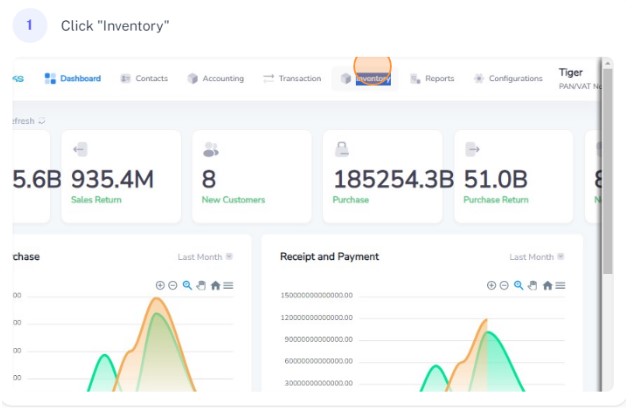
Click on Inventory on the navigation bar
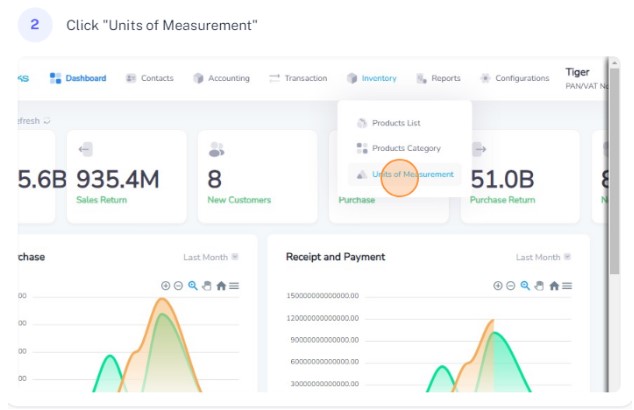
Select Unit of Measurement from the dropdown
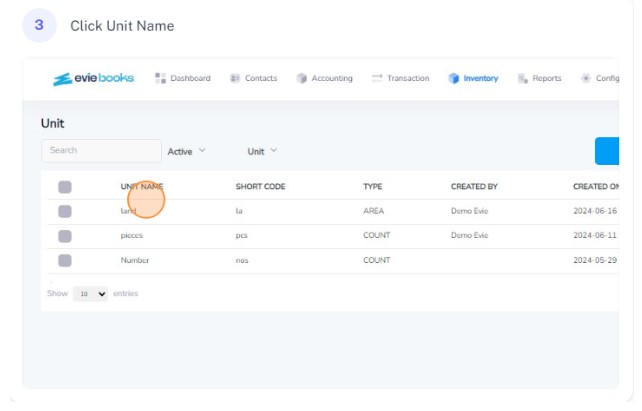
Click on the unit name that you want to edit
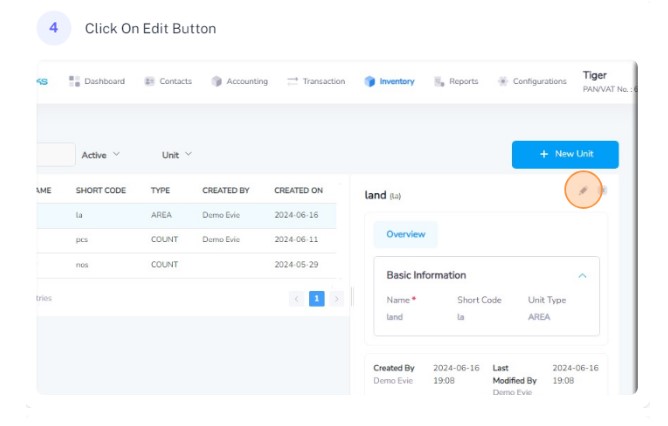
Click on the edit button
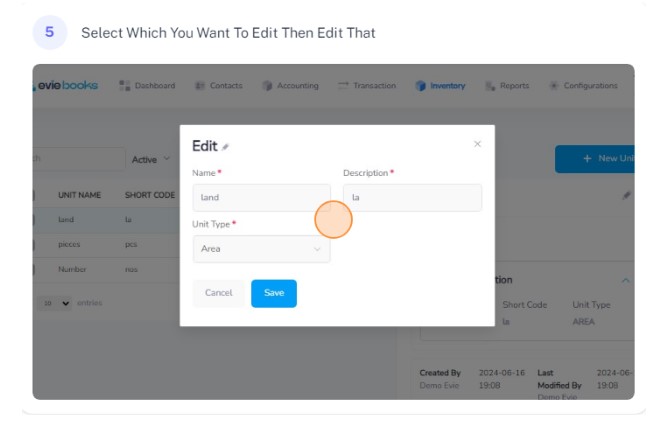
Edit the required details as needed
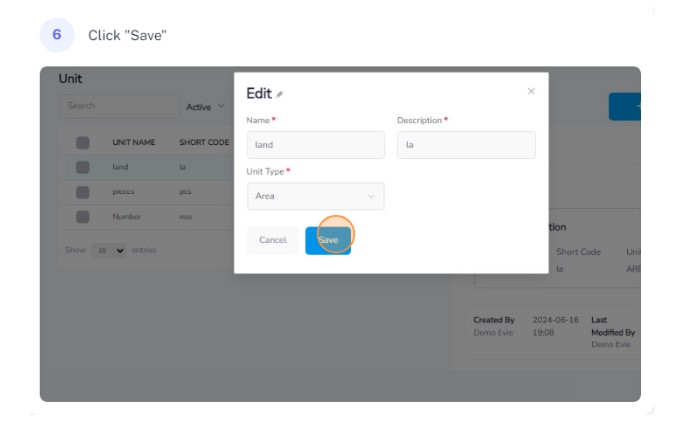
Click on the save button to save the changes