

Tutorial
Add-New-Contact
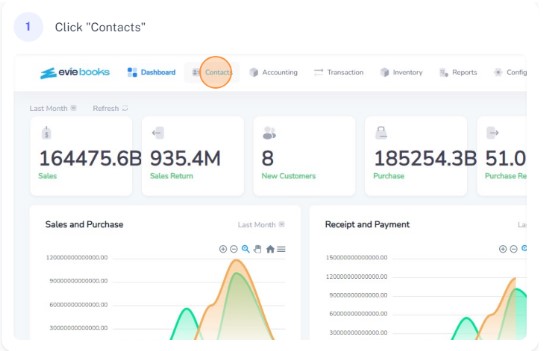
Click on contacts from the navigation bar.
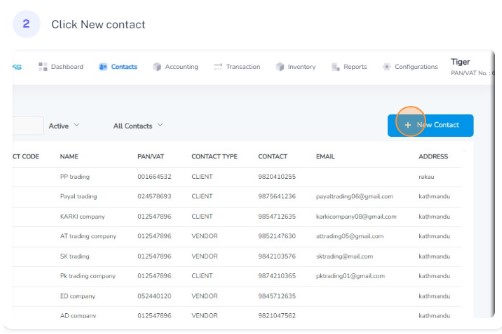
Click on new contact
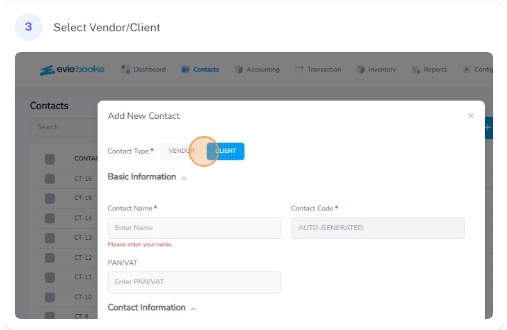
Select vendo
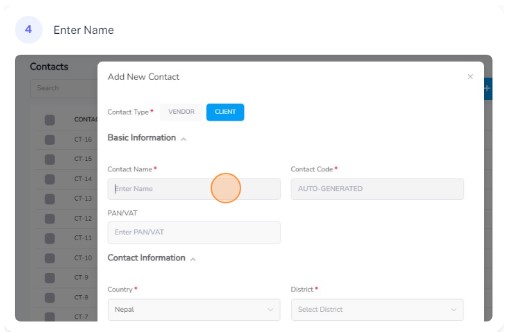
Enter the name of the contact
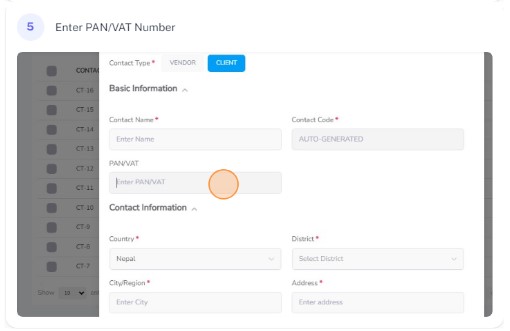
Enter the PAN/VAT number of the contact
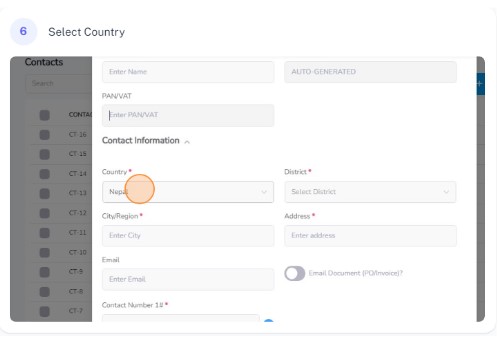
Select the country in which the contact resides
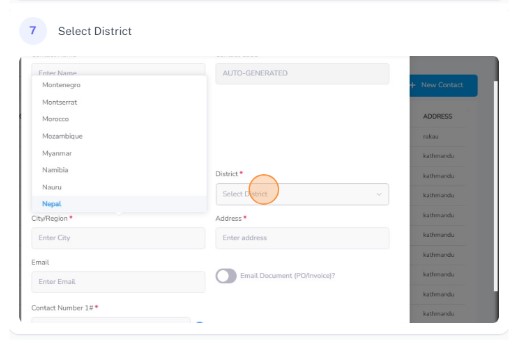
Select the district in which the contact resides
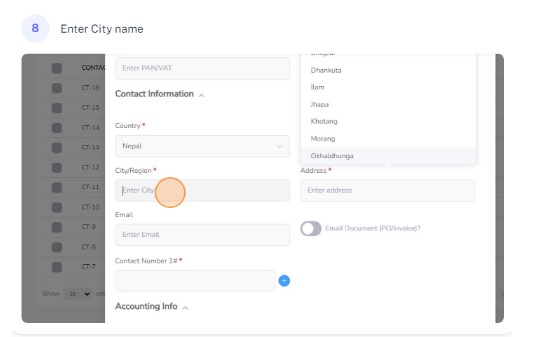
Enter the city/region of residence of the contact
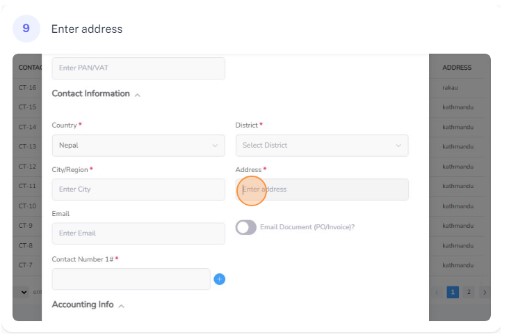
Enter the address of the contact
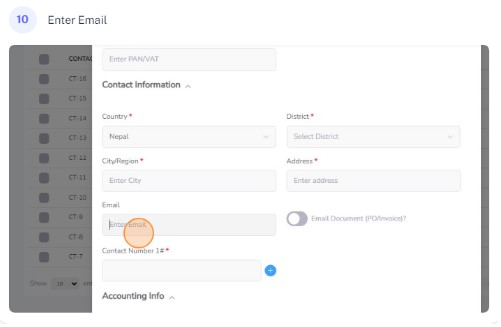
Enter the email of the contact
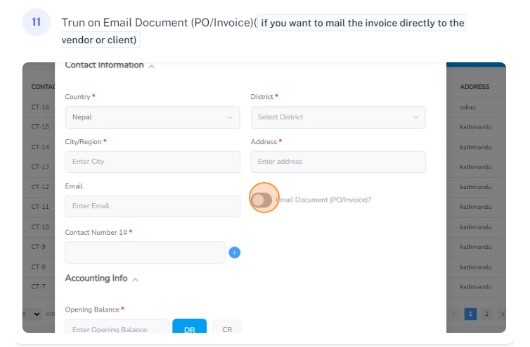
Turn on Email Document(PO/Invoice)(if you want the invoice to be mailed directly to the contact)
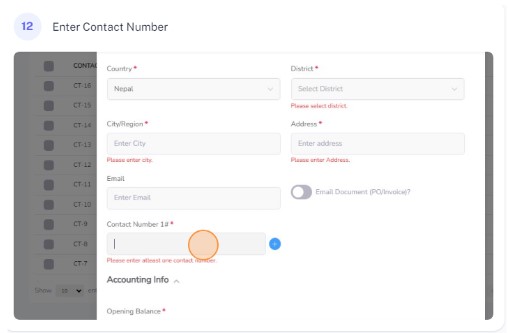
Enter the con
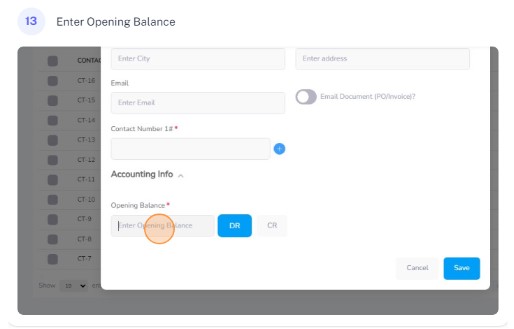
Enter the opening balance of the contact
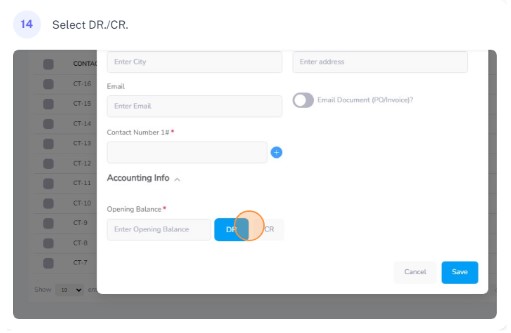
Choose whether the balance is debit or credit
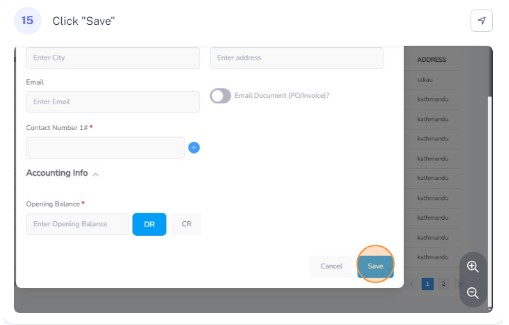
Click on save to save the contact